Your account, help and signing out
Change your name, sign-in email or password, contact support from the app, and sign out.
Tap More, then your name or Account.
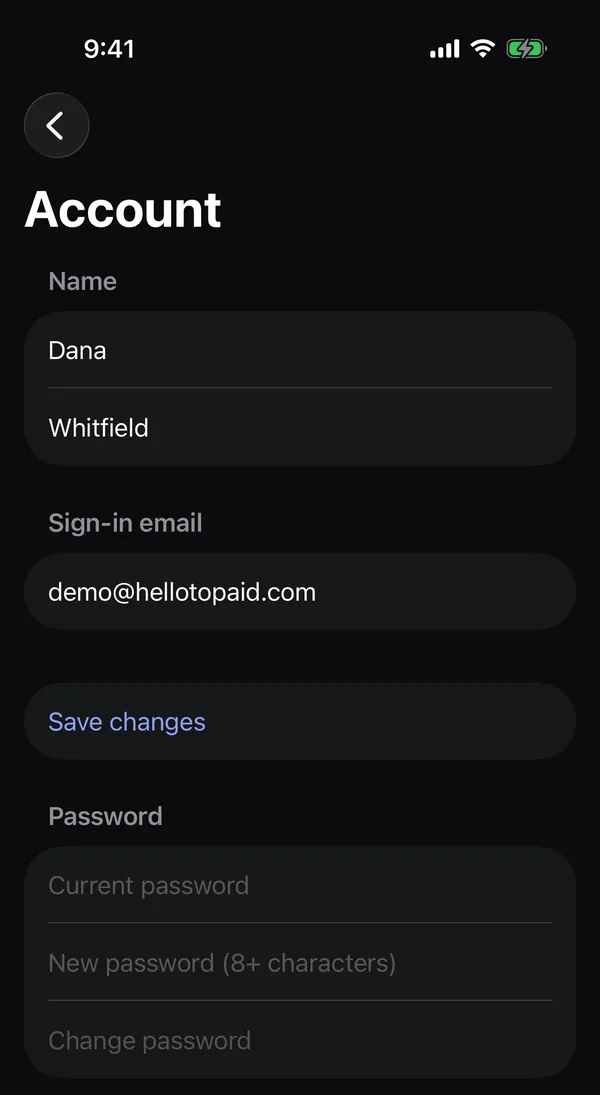
Change your name or sign-in email
- Change your First name, Last name or Email.
- If you changed your email, type your Current password in the box that appears.
- Tap Save changes.
Change your password
- Under Password, type your Current password.
- Type a New password of at least 8 characters.
- Tap Change password.
See Change your password and email.
Get help
Under More → Help & support:
- Help center opens these articles.
- Using the app opens this app guide.
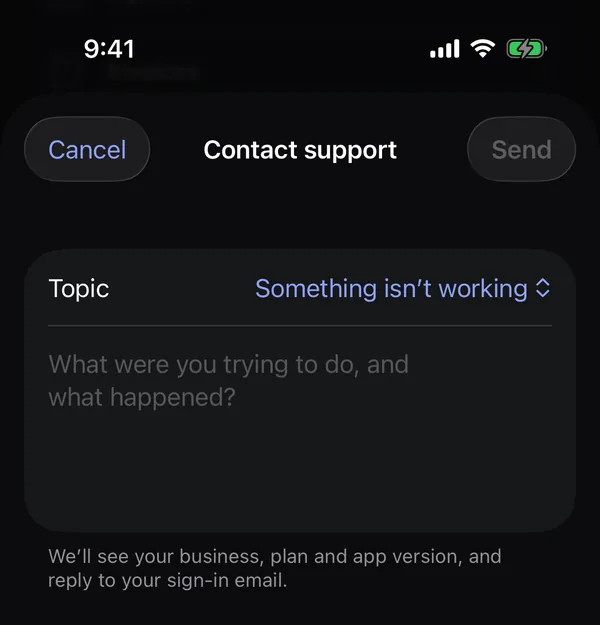
- Contact support sends us a message. Pick a Topic, describe what you were trying to do and what happened, and tap Send. We see your business, plan and app version, and reply to your sign-in email, usually the same business day.
Sign out
Tap More → Sign out, then Sign out again. Signing out stops notifications on that phone and clears what the app saved on it.
Heads up: If you've worked offline and changes haven't synced yet, the app warns you. Signing out would lose them, so get a signal first. See Work offline with no signal.