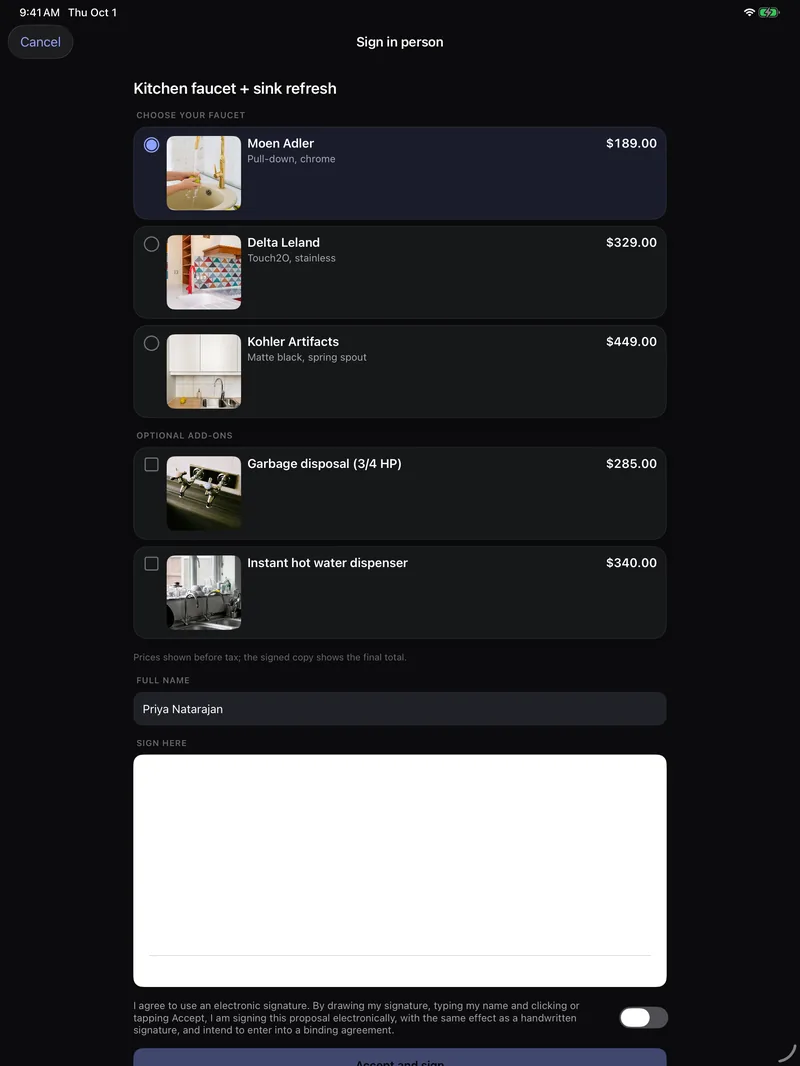
Using the app on iPad
On iPad, lists and details sit side by side, Today becomes a dashboard and the Schedule shows the whole week.
The same app runs on iPad, with layouts that use the bigger screen. Sign in with the same email and password.
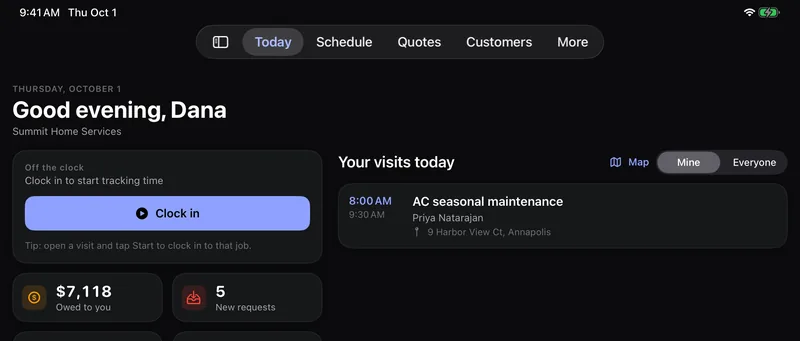
Today
Your clock and the money tiles sit on the left, and the day's visits on the right.
Schedule
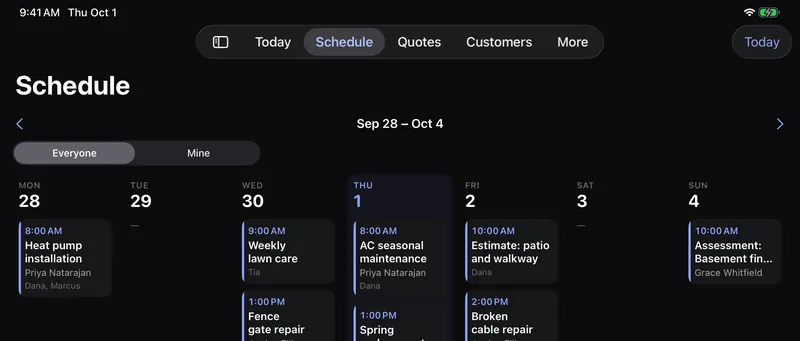
The whole week shows at once, one column per day, with today highlighted. Tap any visit to open it. Use the arrows to change weeks.
Quotes, Customers and More
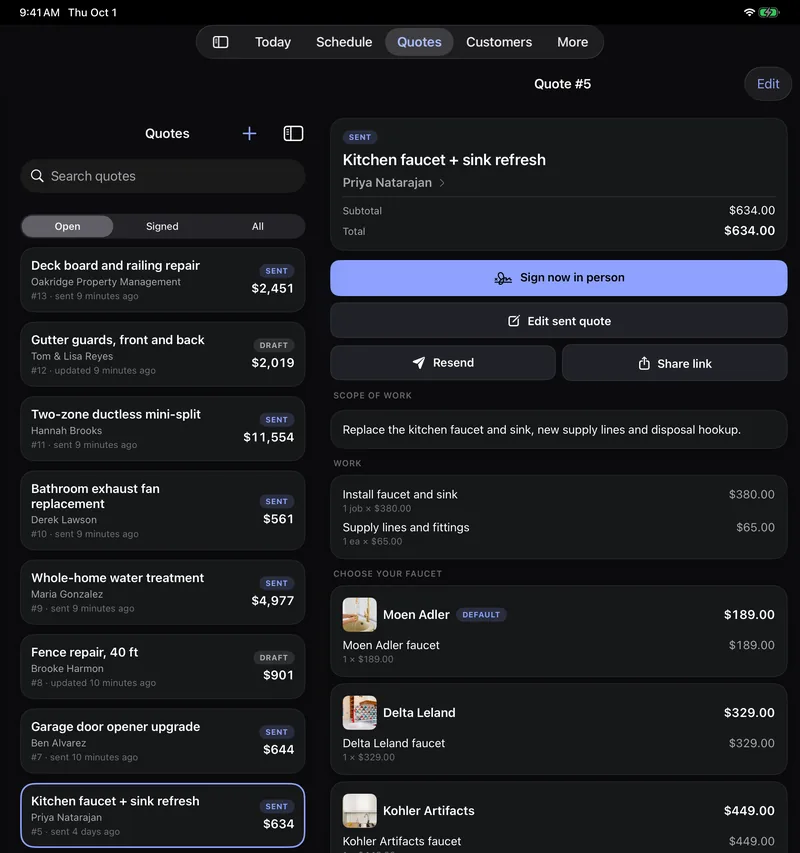
The list stays on the left and whatever you tap opens on the right, so you can go down a list without going back each time. Before you pick something, the right side says Nothing selected.
The tab bar
The tabs sit at the top of the screen. On iPadOS 18 and later, tap the sidebar button at the top left to show them as a sidebar instead.
Signing in person
Sign now in person gives your customer a larger signature pad and bigger photos of each choice, which makes the iPad a good thing to hand over at the kitchen table. See Quotes in the app.